
Now is a battle-tested, study-specific memory system designed exactly for coding, AI, and interviews, not generic “memory tips”.
It matches how technical brains actually retain logic, patterns, and recall under pressure 🧠💻
🧠 The CODE-AI Memory System (End-to-End)
Goal:
✔ Learn faster
✔ Retain concepts long-term
✔ Recall answers instantly in interviews
✔ Think clearly under pressure
🧩 SYSTEM OVERVIEW (How Memory Really Works)


Memory has 3 stages:
- Encoding → How you study
- Storage → How you revise
- Retrieval → How you recall in interviews
Most people fail at Encoding + Retrieval.
This system fixes both.
🧠 PART 1: HOW TO STUDY CODING & AI (ENCODING)
❌ What NOT to do
- Reading notes again and again
- Watching tutorials passively
- Copy-pasting code
✅ The Only Correct Way
🔁 The 3-Step Learning Loop (MANDATORY)
1️⃣ Consume (Short)
- Read/watch max 30–40 mins
- One concept only (e.g. Spark shuffle, Python dict)
2️⃣ Produce (Immediately)
- Close everything
- Write:
- Code from memory
- Explanation in your own words
- Even if wrong → this builds memory
3️⃣ Refine
- Check mistakes
- Fix mental gaps
📌 Memory is built during struggle, not comfort
🧪 PART 2: THE “WHY–HOW–WHEN” FRAMEWORK (CRITICAL)
For every concept, store it in this format:
| Layer | Question | Example (Spark) |
|---|---|---|
| WHY | Why does this exist? | Reduce shuffle cost |
| HOW | How does it work internally? | DAG → stages |
| WHEN | When to use / avoid? | Large joins |
🧠 Interviews test WHY + WHEN, not syntax.
🧠 PART 3: CODING MEMORY = PATTERN MEMORY
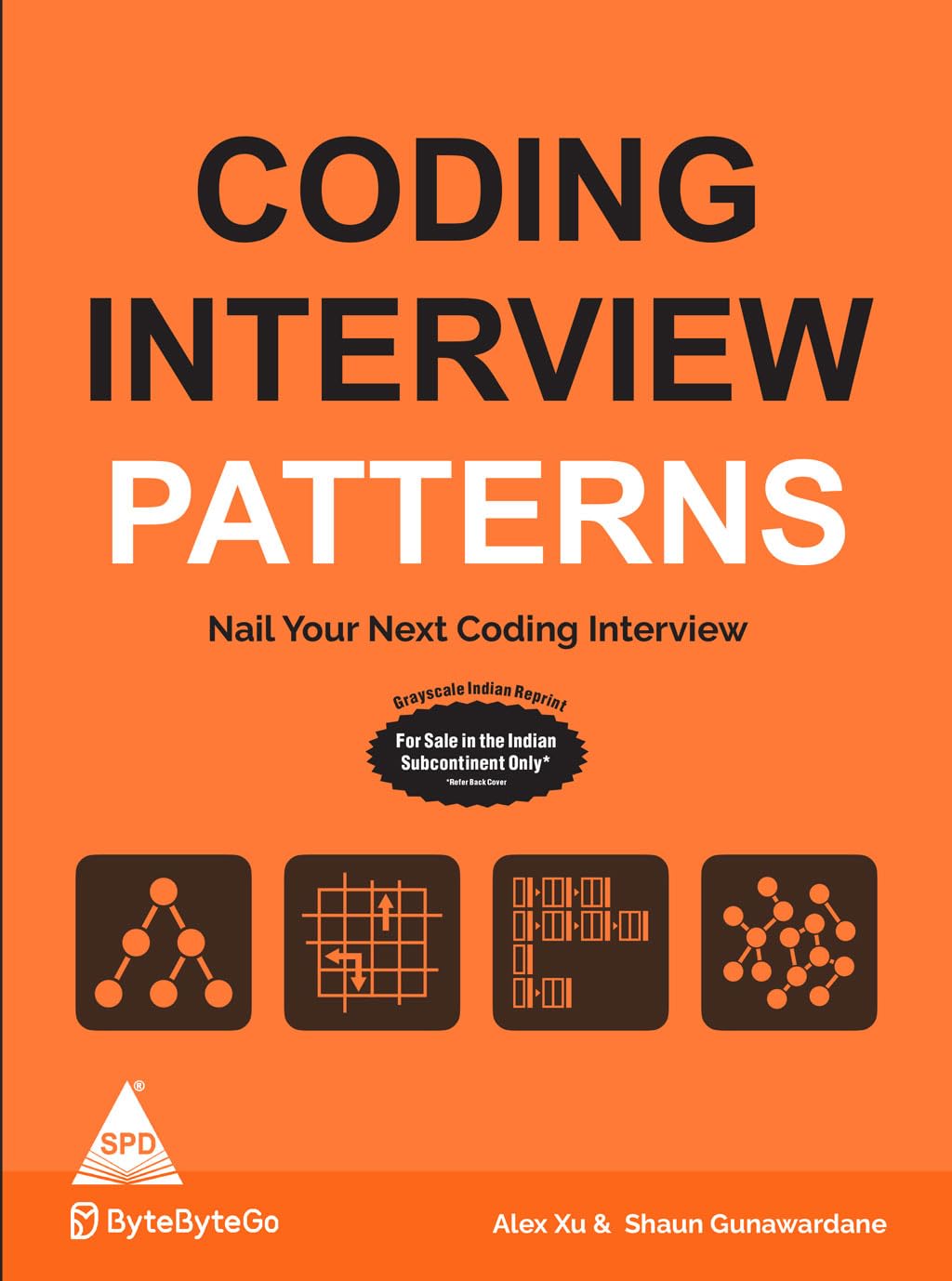


🔹 Store code as patterns, not lines
Example:
Two pointers
Sliding window
Hash map frequency
DFS recursion
Binary search template
Each pattern = 1 memory block
👉 When a question comes, your brain says:
“This looks like sliding window”
Not:
“Let me think from scratch”
🧠 PART 4: AI / ML / LLM MEMORY SYSTEM
❌ Mistake
Trying to memorize formulas and architectures
✅ Correct structure
For every AI concept, remember ONLY THIS:
Problem → Idea → Tradeoff → Use Case
Example:
Transformers
- Problem: RNNs slow & forget long context
- Idea: Self-attention
- Tradeoff: Memory heavy
- Use case: LLMs
📌 This creates conceptual recall, not rote memory
🧠 PART 5: INTERVIEW RECALL SYSTEM (MOST IMPORTANT)


🎯 The “30-Second Answer” Rule
For every topic, prepare:
- 1️⃣ One-line definition
- 2️⃣ One example
- 3️⃣ One tradeoff
Example:
Q: What is Spark caching?
A: Caching stores DataFrames in memory to avoid recomputation; useful for iterative jobs but can cause memory pressure.
This is exactly how interviewers think.
🧠 PART 6: SPACED REVISION SYSTEM (AUTOMATIC MEMORY)
📆 Use this schedule
- Day 0 → Learn
- Day 1 → Recall (no notes)
- Day 3 → Recall
- Day 7 → Recall
- Day 21 → Recall
⛔ Never re-read notes
✅ Always write / speak from memory
🧠 PART 7: DAILY STUDY TEMPLATE (2–3 HOURS)
🔹 Block 1 (New Learning – 60 min)
- Learn 1 topic
- Apply WHY–HOW–WHEN
🔹 Block 2 (Recall – 30 min)
- Write answers without notes
- Code from memory
🔹 Block 3 (Interview Mode – 30 min)
- Explain aloud
- Time yourself (30–60 sec answers)
🧠 PART 8: MEMORY BOOSTERS (SMALL BUT POWERFUL)
- Write by hand (deep encoding)
- Teach someone / pretend interviewer
- Explain while walking
- Sleep after learning (locks memory)
🚫 WHAT KILLS TECH MEMORY
- Watching tutorials back-to-back
- No revision schedule
- Learning without explaining
- Multitasking
- Cramming